
iOS 27.2 Is Out: New Apple Music Icon, Siri AI Adds 5 Languages
Apple has released iOS 27.2 for iPhone, refreshing the Apple Music icon and colors, adding new languages to Siri AI and bringing suggested-action shortcuts to Messages.
 Merhabyte Newsdesk · · 2 min read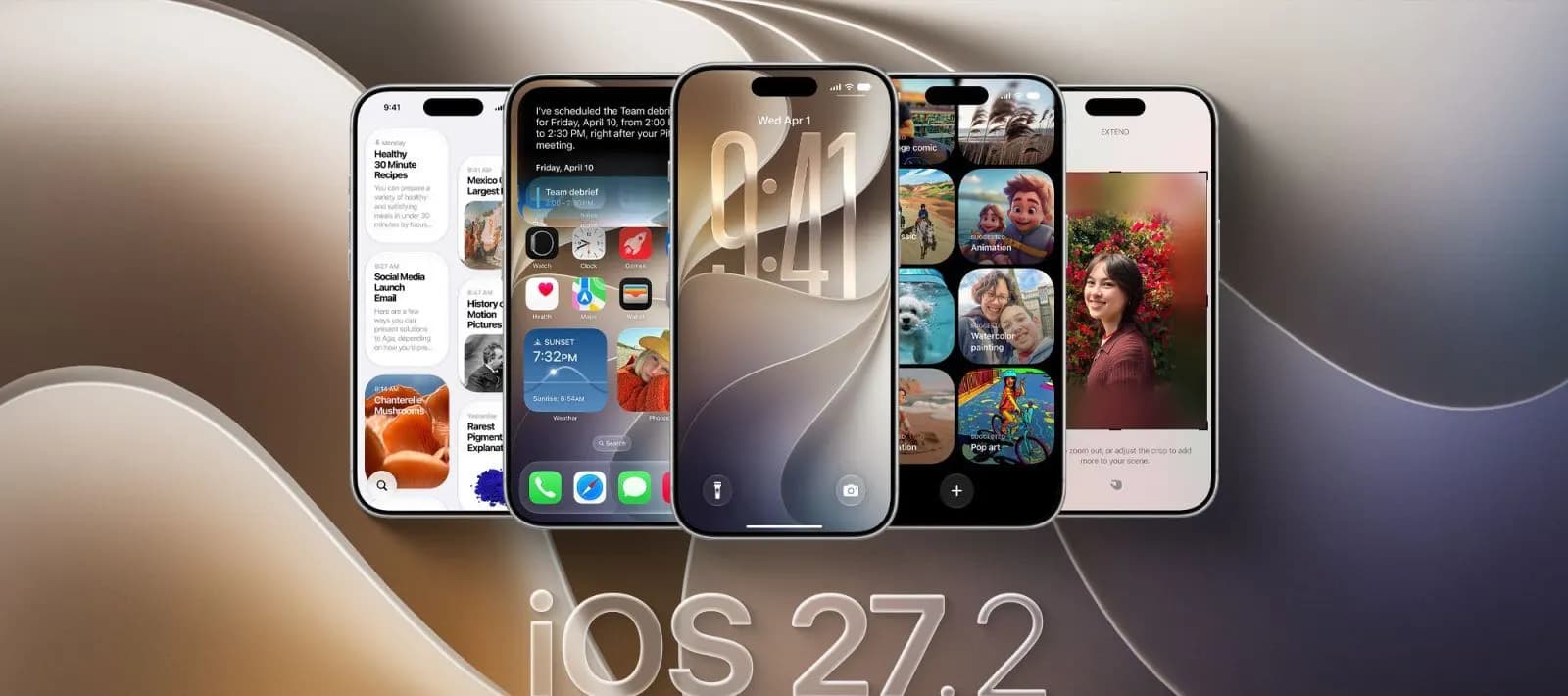
Apple has officially released iOS 27.2 for iPhone. Rather than centering on one big feature, the update spreads its changes across a number of apps: a refreshed look for Apple Music, additional language support for Siri AI, adjustments to Messages and Podcasts, and Apple Pencil support for iPhone Duo.
To install it, head to Settings > General > Software Update on your iPhone. Below we run through what the release brings, and we also look at why Apple left the redesigned Health app out of the final build.
Apple Music gets a new look
The most visible change is in Apple Music. The app's familiar red icon gives way to a new black-and-white design, and inside the app the accent color of the selected tab switches from red to blue. Apple has also updated the Music widgets with a black background.
Apple Podcasts now separates new episodes from those you have already started. On the Home tab, Latest Episodes and Continue Listening appear as distinct headings, with each category getting its own space.
The Apple TV app also gains profile support on iPhone, letting users keep their viewing history and personalized recommendations separate from one another.
Messages, Siri AI and FaceTime
Messages gains Suggested Actions, a feature that offers shortcuts based on the content of a conversation. In a message about making plans, for example, an option to create a calendar event or a reminder may appear. Settings lets you choose which types of suggestions are shown.
Siri AI has been expanded to support French, Japanese, Korean, Portuguese and Spanish. It is available on all iPhone 16 models and later, as well as the iPhone 15 Pro and iPhone 15 Pro Max.
Group FaceTime calls also get Dual Capture, which makes it possible to share the front and rear camera feeds at the same time.
Apple Pencil on iPhone Duo and smart home additions
iPhone Duo receives Apple Pencil support with iOS 27.2. Apple had previously said the feature would arrive later in the year, and it now ships with this update. One important caveat: support is limited to the Apple Pencil (USB-C). Apple Pencil Pro and other Pencil models are not supported.
The Home app adds Lock After Closing and Door Left Open options for compatible smart locks. The first automatically locks the door once it is closed, while the second sends an alert if the door stays open for too long.
Users who update both their iPhone and HomePod to 27.2 also get access to a Touch Controls lock setting on HomePod. It prevents accidental touches from triggering audio playback while preserving touch responses for features such as timers and alarms.
The redesigned Health app had appeared in earlier iOS 27.2 betas, but Apple pulled it from the final release. The updated Health experience is still planned for later this year, which means anyone installing this update will not yet see the new Health interface.
Comments
No comments yet. Be the first to comment.