Samsung One UI 9.5 Beta Is Live, With a Long-Awaited App Lock
Samsung has opened the One UI 9.5 beta to Galaxy S26 owners in select markets, including the US. It brings an app lock, camera upgrades and a range of smaller changes.
 Merhabyte Newsdesk · · 2 min read
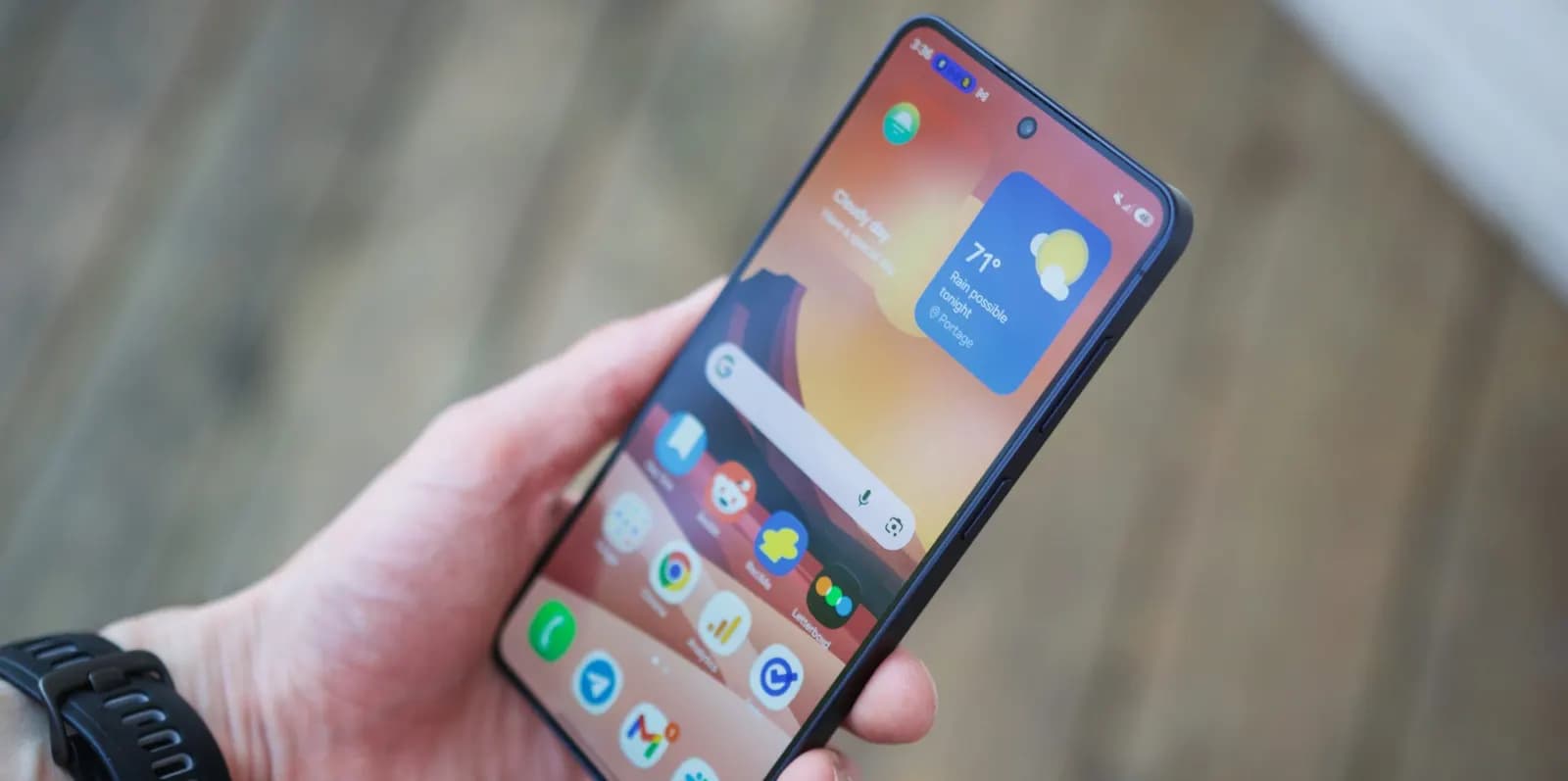
Samsung has started its One UI 9.5 beta program in select markets, including the United States. The update gives Galaxy S26 owners a first look at the changes that will arrive with the stable release.
Going by Samsung's blog post and the beta changelog, the new features cluster around security, camera, health and personalization. Below are both the additions Samsung chose to highlight and the details that appear only in the changelog.
App lock finally arrives
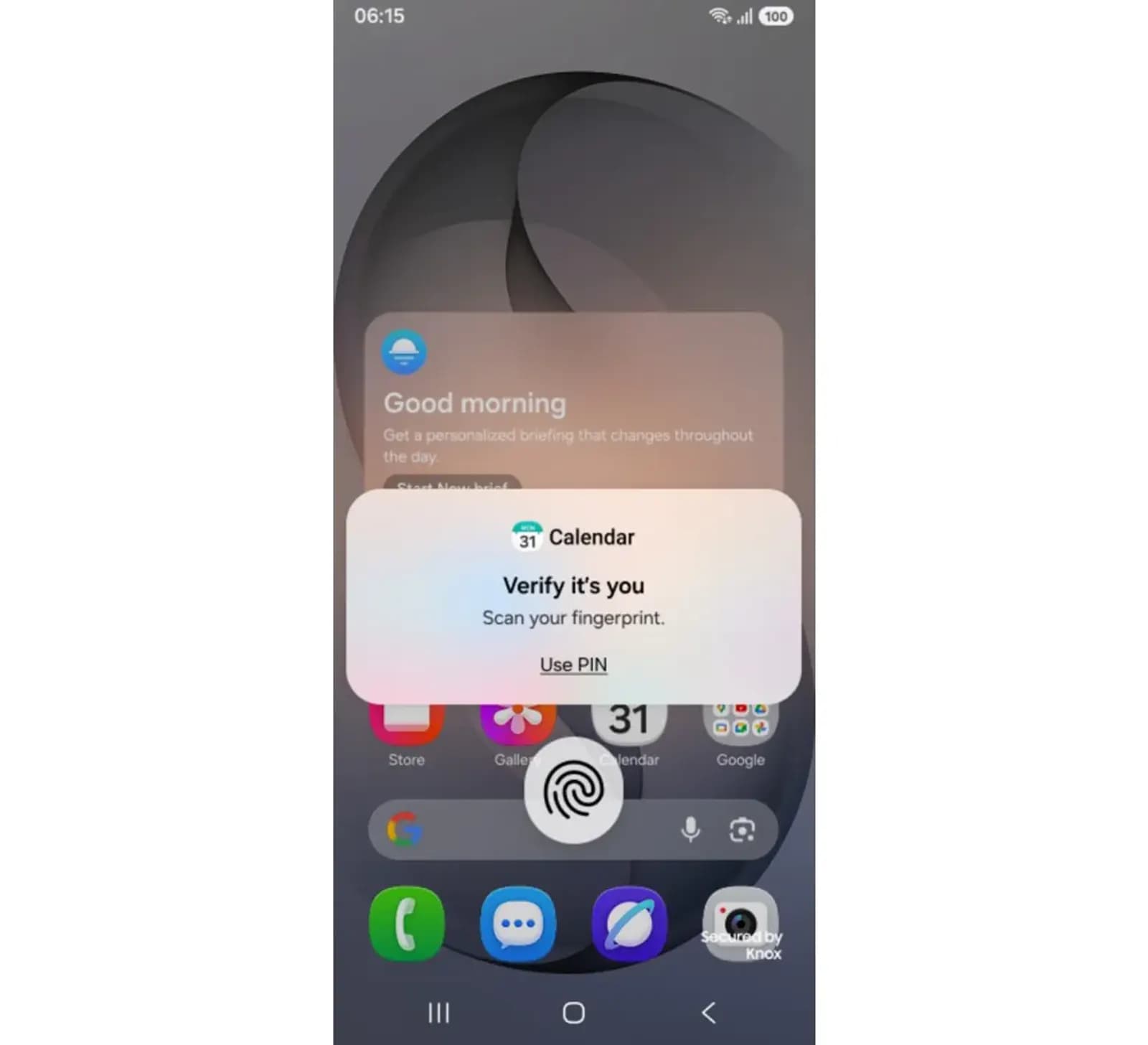
The most notable addition is the app lock feature many users have been waiting for. It lets you put any app from the app drawer behind a biometric scan or a PIN, so the app cannot be opened without verification.
The approach differs from Secure Folder. Secure Folder creates a copy of an app and hides that copy, whereas the new feature locks the app itself. Samsung also shared an official screenshot of the feature.
Camera and Samsung Health updates
Samsung confirmed that the Pro and Pro Video modes in the camera app now offer customizable controls and presets. According to the changelog, lens and zoom levels can also be set as focal lengths. The default camera app gets reworked controls for more intuitive use, along with a zoom bar.
In Samsung Health, the new Mindful Note works as a kind of journal. It supports both free-form writing and guided prompts, and a screenshot of this section was included in Samsung's blog post.
Accessibility and shortcut improvements
Samsung's blog post says a separate floating shortcut has been added for frequently used controls. In the notification panel, hearing aid controls have been improved, and volume and audio output can now be managed from there.
Other items in the changelog
The official changelog lists far more changes than the blog post highlights. They include a live depth effect on the lock screen wallpaper that shifts as you tilt the phone, an optional 10-second delay before opening certain apps, Privacy Display for secure-app features such as private browsing and private albums, PPTX and DOCX support in My Files, and search within quick panel controls.
Because the beta is limited to select markets for now, it is unclear when these features will reach users through the stable release. As this is a beta, the final version may also differ.
Add as a preferred source on Google
Comments
No comments yet. Be the first to comment.