
iOS 27.2 is out: Siri AI now remembers past conversations
Apple has released iOS 27.2, bringing Siri AI improvements alongside new features in Messages, Photos, FaceTime and Apple TV.
 Merhabyte Newsdesk · · 3 min read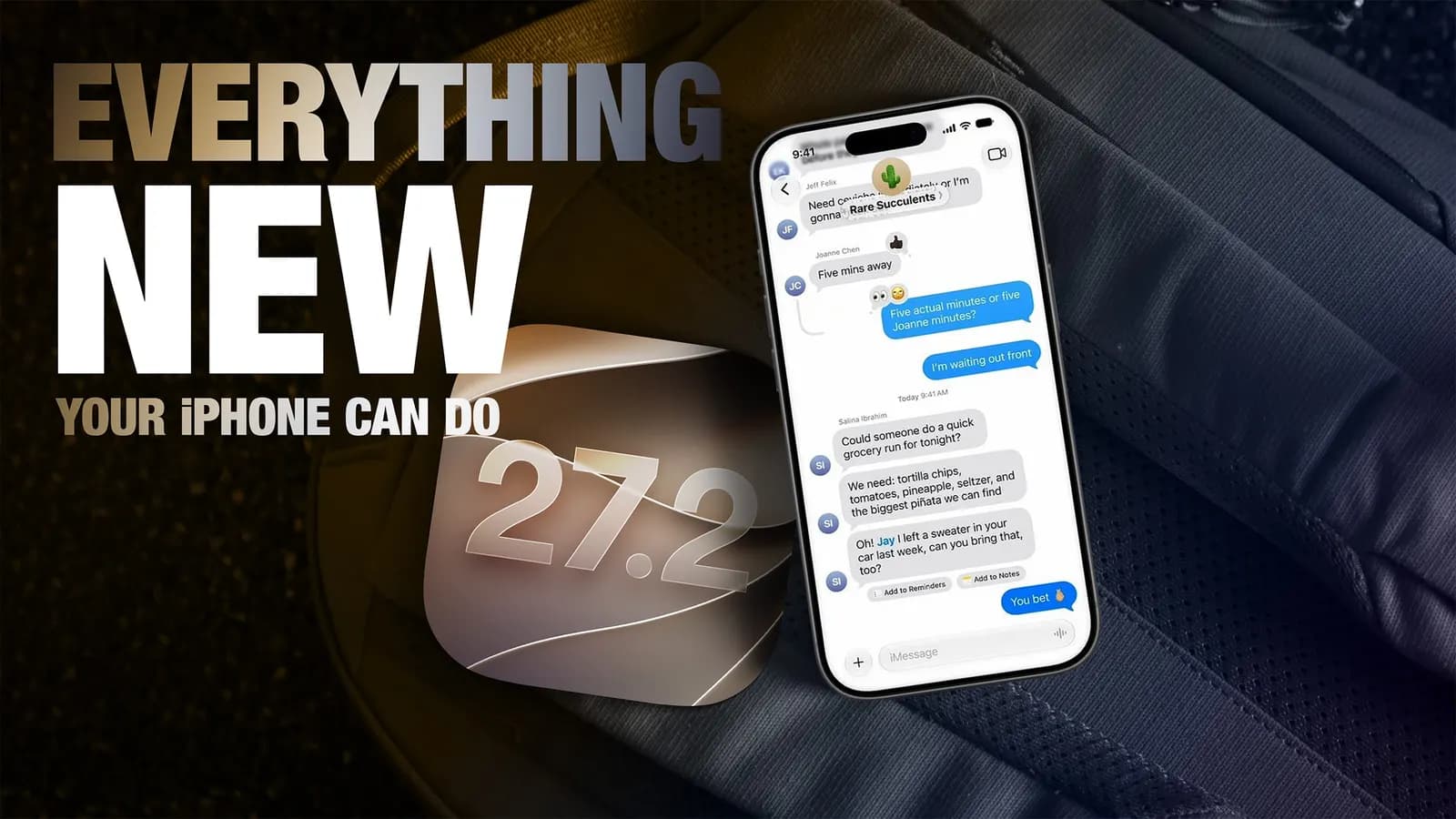
Apple released iOS 27.2 on October 26. The update improves Siri AI and adds a Suggestions feature to Messages, along with a series of smaller additions across Photos, Podcasts, Games, Apple TV and FaceTime.
The update can be downloaded via Settings, General, Software Update. Some features may not be available in every region or on every iPhone model, so Apple's feature availability list is the place to check for details.
Siri AI draws on more context
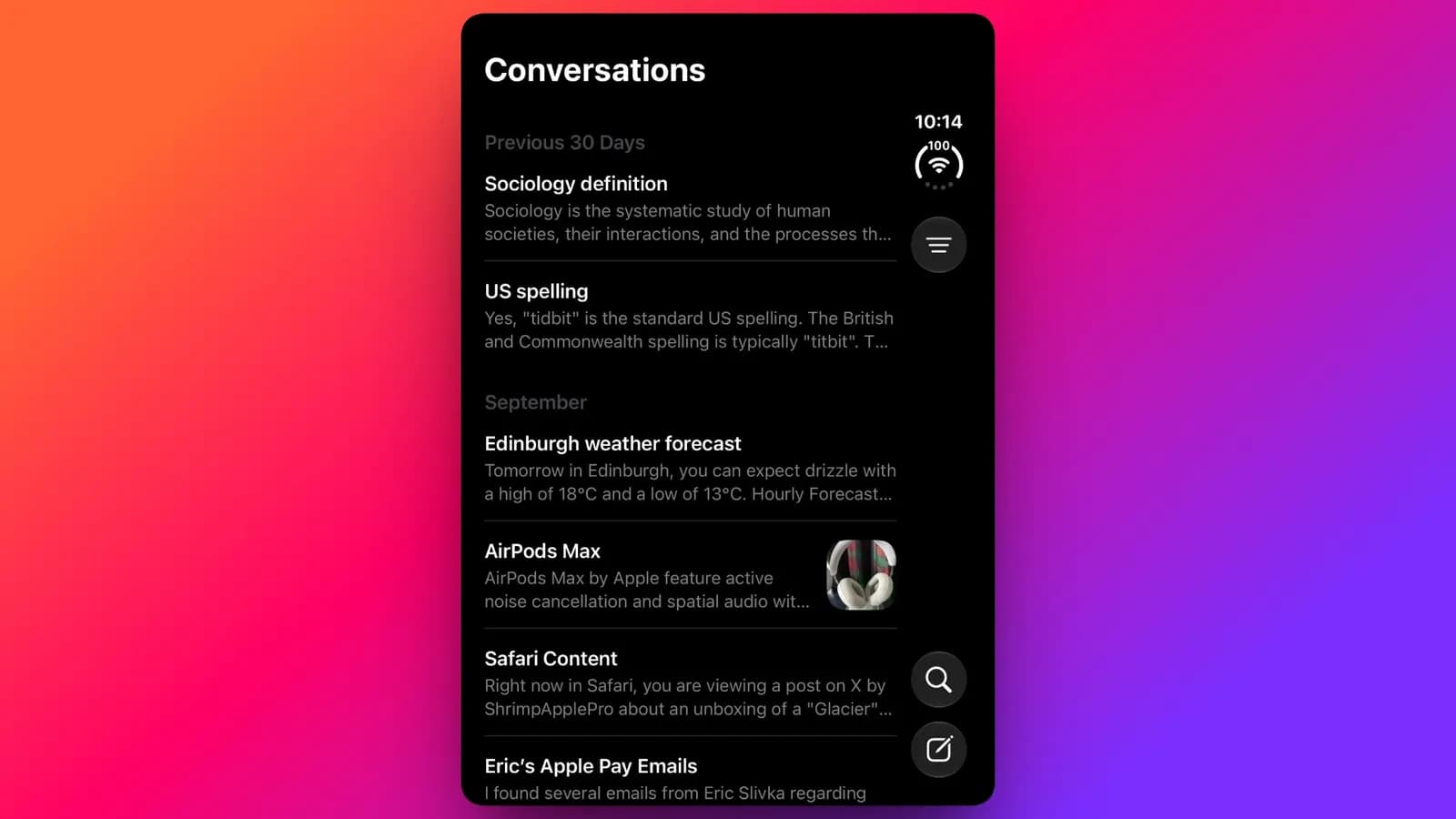
Siri AI can now remember your previous conversations. If you ask later about restaurants it recommended last week, for example, it can go back to that information. Siri AI features require an iPhone 16 or later, an iPhone 15 Pro or an iPhone 15 Pro Max.
The sources Siri AI uses when answering have also expanded: photos added to Messages, attendees in Calendar events and voicemails are now taken into account. Apple says results will also improve for Safari history and the Reading List. Language support now covers French, Japanese, Korean, Portuguese and Spanish in addition to English. Siri AI is still unavailable in the EU and mainland China for now.
On the privacy side, there is a new settings menu. Under Settings, Siri and Excluded Apps, you can decide in one list which apps Siri, Search and suggestions are allowed to access. Granular text selection also lets you copy just the part of a Siri response you need rather than the whole thing.
New in Messages, Photos and Games
Suggestions in Messages aims to let you act quickly based on the context of a conversation, such as adding a Calendar invite for a dinner or saving a Reminder. The feature appeared during the iOS 27 beta period but did not make it into the first release.
Shared Albums in Photos gain three new capabilities: editing captions and comments, preventing the same photo from being added twice, and showing participants a reminder to save important photos and videos before the album expires. iOS 27.2 also brings support for SynthID watermarks in Photos and Image Playground, intended to help people tell whether an image was created or altered with generative tools.
In the Games app, the Friends tab now explains why a friend suggestion appears, and player pages show the games your friends have played recently.
Apple TV, FaceTime and iPhone Duo
Apple TV owners can now create profiles for household members from the account settings on iPhone and iPad. A name and a choice of adult or child is all it takes. Child profiles are limited to PG-rated content by default, and age-appropriate ratings for shows and movies can be customized separately. Multiview in the Apple TV app has also been extended to iPhone, allowing you to watch four live sports streams at once. The feature applies to MLS, Formula 1 in the US and Friday Night Baseball doubleheaders during the baseball season, all offered with an Apple TV subscription.
FaceTime group calls gain Dual Capture, which streams video from the front and rear cameras at the same time. On a compatible device running iOS 27.2, flipping the camera during a call turns the mode on automatically. It is available on the iPhone 17, iPhone 17 Pro, iPhone 17 Pro Max, iPhone Air, iPhone 18 Pro, iPhone 18 Pro Max and iPhone Duo. The iPhone Duo also gets Apple Pencil USB-C support and Edge Light, a feature that lights up your face during video calls and was first seen on macOS.
One small but notable addition is in Call Context: when you call someone whose anniversary date you have saved in Contacts, Call Context reminds you that it is your anniversary. To add the date, select the contact, tap Edit, and choose anniversary as the first suggestion under add date.
Comments
No comments yet. Be the first to comment.