
Surface Laptop Ultra review: Microsoft's RTX Spark flagship
Microsoft's NVIDIA RTX Spark laptop offers up to 128GB of unified memory, but a $2,599 starting price makes it a product for only the most demanding users.
 Merhabyte Newsdesk · · 3 min read
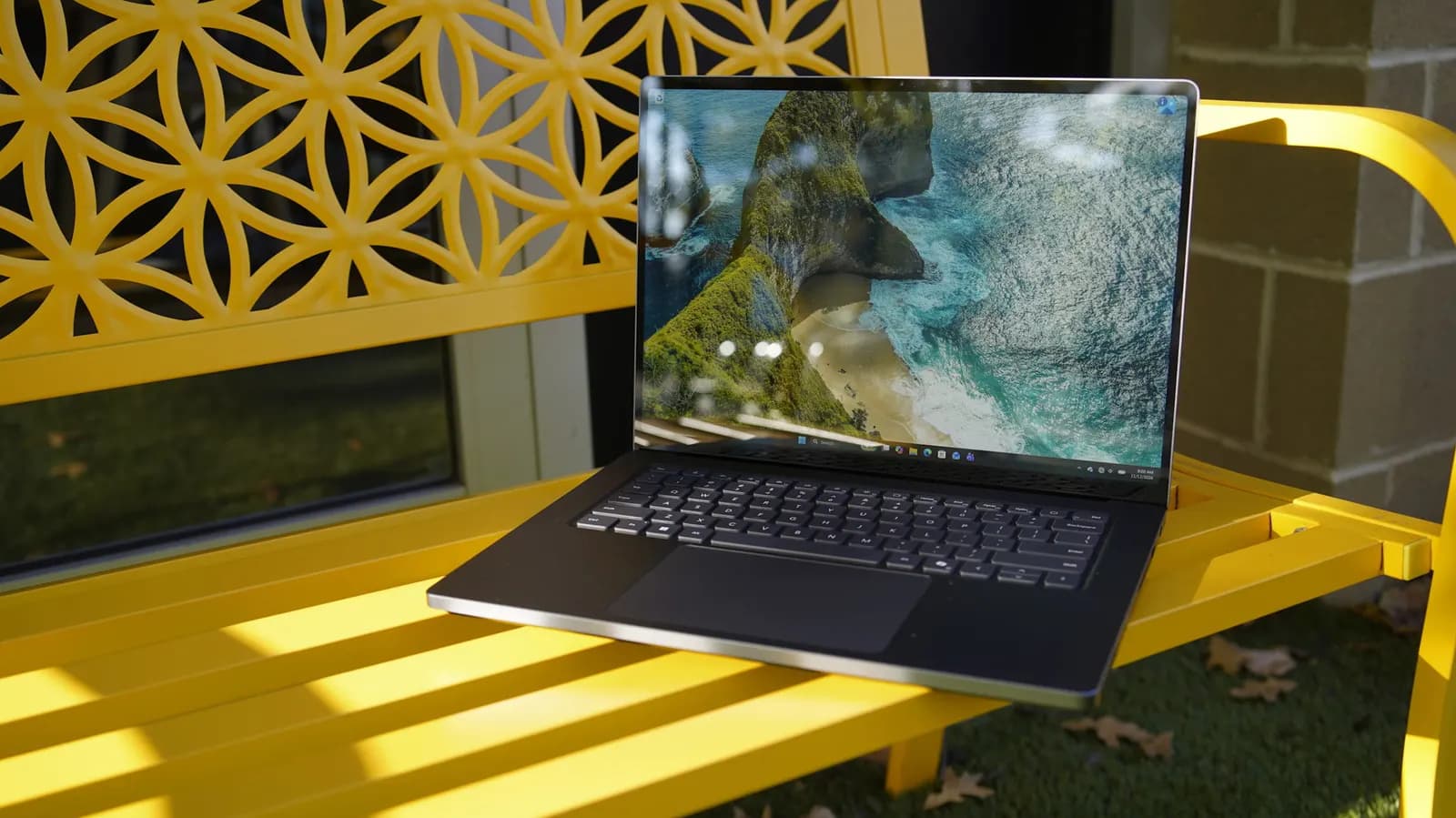
Microsoft's new Surface Laptop Ultra is one of the flagship machines built around NVIDIA's new RTX Spark platform. The most powerful Surface to date can be configured with up to 128GB of unified memory, a combination that looks ideal for anyone who wants to run AI models locally. From its very bright 15-inch display to its sleek chassis, the laptop feels like a premium product.
It starts at $2,599, and the price climbs quickly once you move beyond the standard 24GB of RAM. The review's verdict is that the model only makes sense for users with the heaviest workloads; for most gamers and content creators, saving $1,000 and buying a capable gaming laptop is the more sensible move. It is also notable that PC makers are releasing pricier machines while AI-driven memory price increases continue. Apple's new touchscreen MacBook Pro models with PROLED displays start at $2,899.
Design and display
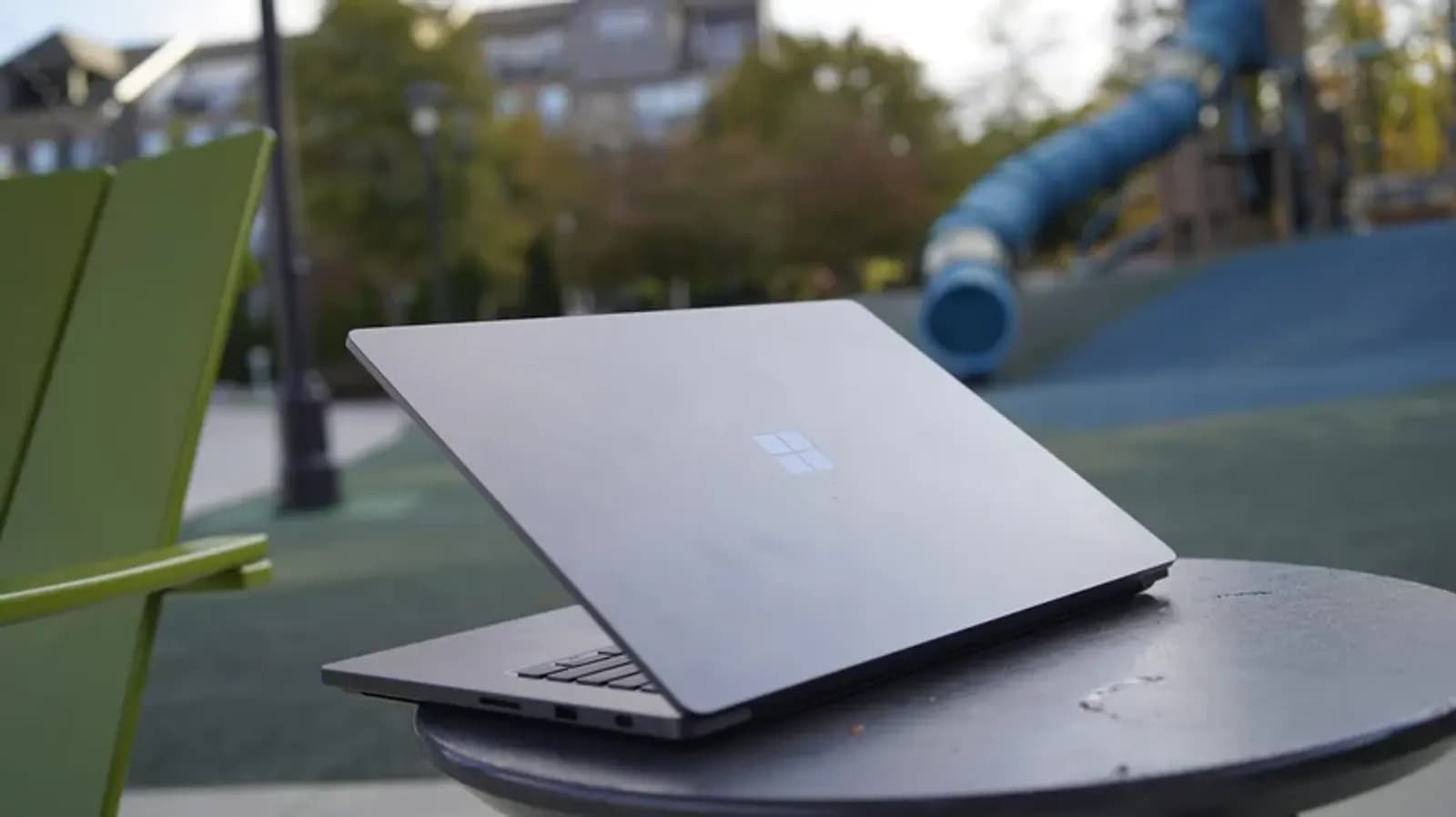
The Surface Laptop Ultra lacks the extra tricks of Microsoft's convertible Surface models. It is an all-metal, understated business laptop. The 15-inch screen uses a tall 3:2 aspect ratio rather than the usual widescreen shape, and the underside of the chassis has a lightly segmented design reminiscent of the Surface Laptop Studio, which makes room for cooling vents and downward-facing speakers.
Microsoft had billed the screen as the brightest laptop display on the market, with 2,000 nits of HDR brightness. Apple's new PROLED MacBook Pro reaches the same brightness, however, and its OLED panel delivers deeper blacks and higher contrast. Even so, the Surface's mini-LED display remains impressive, especially when watching HDR movies with rich colors or playing games that push brightness and HDR capabilities.
RTX Spark chip and performance
The headline feature is NVIDIA's RTX Spark, an Arm-based system-on-chip that can be configured with up to 20 CPU cores and 6,144 GPU cores. The most powerful RTX Spark hardware costs around $3,700 and comes with 32GB of RAM, while the $2,600 entry model offers 18 CPU cores and 5,120 GPU cores.
Inspired by Apple Silicon and Qualcomm's recent Snapdragon X chips, RTX Spark uses unified memory that both the CPU and GPU can access. That gives it higher memory bandwidth than typical Intel- or AMD-based Windows PCs, where the RAM, CPU and discrete GPU sit in separate places on the motherboard. Direct access to large amounts of RAM also allows big AI models to be hosted locally, which is why Microsoft and NVIDIA position the platform as an important evolution for PCs.
Thanks to the NVIDIA GPU cores, gaming performance is comparable to a laptop RTX 5070. That means 1440p gaming is well within reach, and NVIDIA's DLSS upscaling and frame generation can deliver reasonable performance at higher resolutions such as 4K. But because the Surface Laptop Ultra costs far more than most RTX 5070 gaming laptops, it is not a machine to buy for gaming alone.
What the Arm architecture means
The Arm-based processor cuts both ways. It can technically be more efficient than Intel and AMD's x86-64 chips, but older Windows software and drivers require emulation. That opens the door to unexpected bugs, particularly in niche applications and third-party drivers with limited support.
In the early days of Windows on Arm, from the Windows RT Surface to the Surface Pro X, this was a major problem, but Microsoft's emulation for x86-64 software has improved markedly since then. Kernel-level anti-cheat software in multiplayer games didn't work on the first Snapdragon X systems. Microsoft and NVIDIA worked to fix that, and Fortnite can now be played comfortably on Arm-based Windows systems.
Keyboard, touchpad and charging
The keyboard resembles the one on the standard Surface Laptop, with deep key travel and satisfying feedback that has always made it a pleasure to type on. The large touchpad supports Windows' new haptic feedback; dragging apps to the edges of the screen to snap them into place, for example, produces a light vibration. Similar feedback has appeared on mice such as the Logitech MX Master 4. It isn't groundbreaking, but it is seen as a welcome addition to an aging Windows interface.
Perhaps the most interesting detail is the magnetic USB-C charging cable. It attaches magnetically to one of the USB-C ports and, much like Apple's MagSafe, detaches easily if someone trips over it. That lets Microsoft keep a standard USB-C port rather than a proprietary Surface charging connector, and the port works fine with any other USB-C charging cable. The magnetic USB-C cable is Microsoft's own invention, and the company says interested partner manufacturers could bring it to their laptops as well.
Add as a preferred source on Google
Comments
No comments yet. Be the first to comment.