
macOS Beta Adds Stern Warning for AI Full Disk Access
Apple has added new controls to the latest macOS beta that demand explicit consent before apps such as ChatGPT, Claude and Gemini can receive full disk access.
 Merhabyte Newsdesk · · 2 min read
Apple is trying to turn the broad disk access Mac users grant to AI apps into a more visible, more deliberate decision. According to a post on the company's developer blog, the latest macOS beta will require very explicit steps before apps such as ChatGPT, Claude and Gemini can obtain "full disk access." Apple describes this level of access as "extraordinary."
The change follows a warning Apple issued last month, when it said some developers were using full disk access in ways that put users at risk. The new controls aim to make clear to users exactly what the permission means.
How the issue came to a head
The topic gained attention in September, when Inc. writer Jason Aten noticed that Meta's Muse app for the Mac could access his messages. Aten believed he had denied that permission. Meta countered that the feature was entirely opt-in, so Aten must have granted the access.
The episode caught Apple's attention. The company wrote that some developers were using full disk access to expose everything on a system, including files, emails, messages and even browsing history, without users' full knowledge and understanding. Apple said it would address the problem with new disk controls.
What the new warning screen shows
According to screenshots shared by an X user, the Full Disk Access setting now asks for explicit permission through an ominous pop-up. The window states that the Mac cannot protect its data from the AI app in question, and it walks users through what the app would be able to do and asks them to confirm.
Those capabilities include reading, modifying, deleting and exporting all data, viewing hidden and recently deleted photos, and viewing history and the browser as the user would.
The new controls do not stop users from giving AI agents access to their files. The goal is to make people pause and think before making that decision. An AI agent going off the rails has happened before, and such an agent could leak or misuse private data.
A key step for local AI
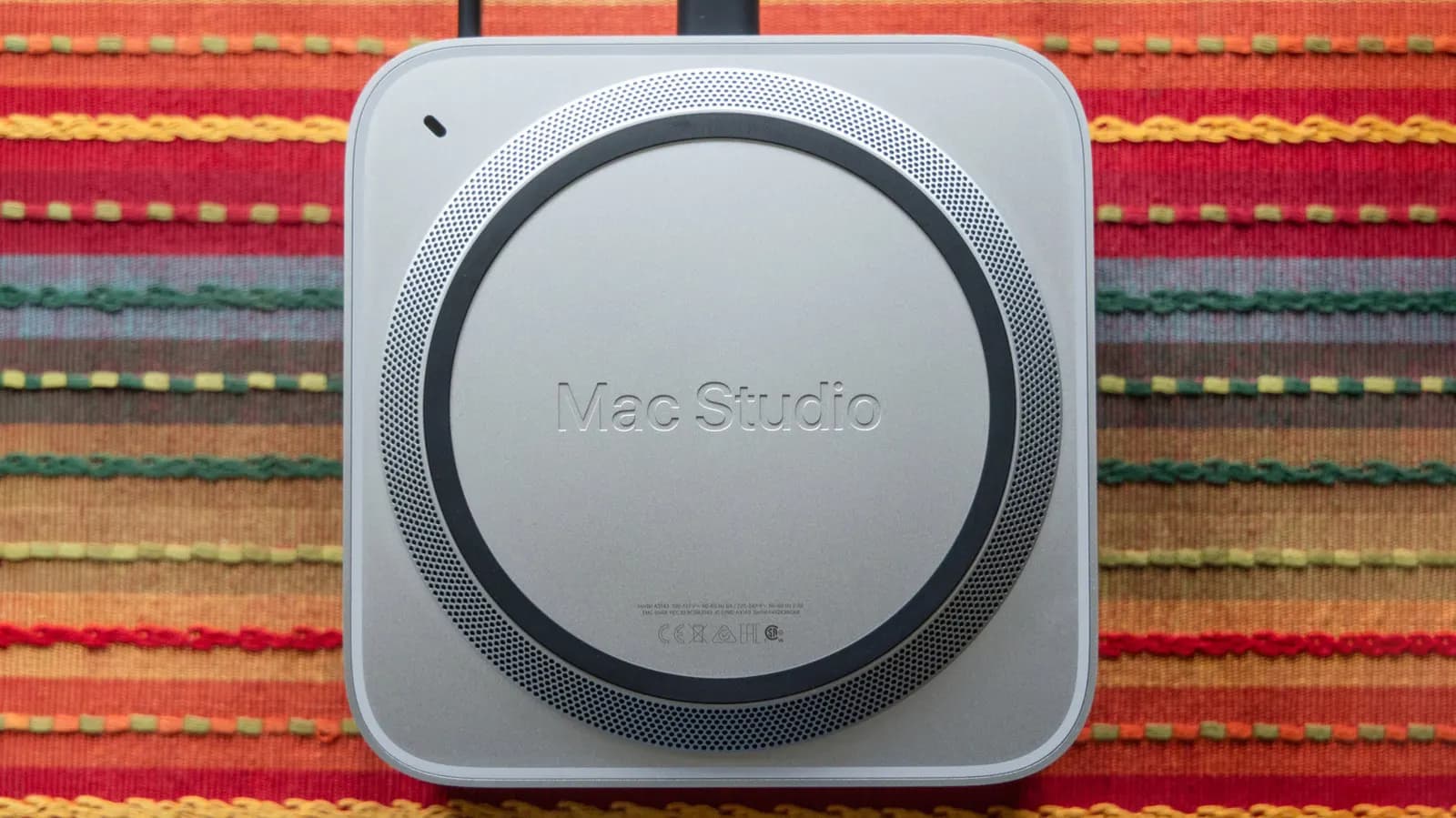
The safeguard matters particularly for Macs such as the Studio, which Apple markets for running local AI models and agents. On such machines it may become increasingly routine for agents to operate with broad privileges on the disk, which makes it all the more important when and how that access is granted.
In last month's statement, Apple said the risks of this level of access would grow significantly as AI agents become more capable and autonomous. The company says it is committed to ensuring users do not grant access without clearly understanding the risks, and that they can make informed decisions about their own data.
The feature is currently in macOS 27.3 beta 2. Apple has not said when it will reach all users, so for now only beta testers will see the new warning screen.
Add as a preferred source on Google
Comments
No comments yet. Be the first to comment.