iOS 27.3 beta adds face unlock and lock-on-fold to iPhone Duo
Apple's iOS 27.3 beta gives the iPhone Duo front-camera face unlock and an option that locks the device when you fold it shut.
 Merhabyte Newsdesk · · 2 min read
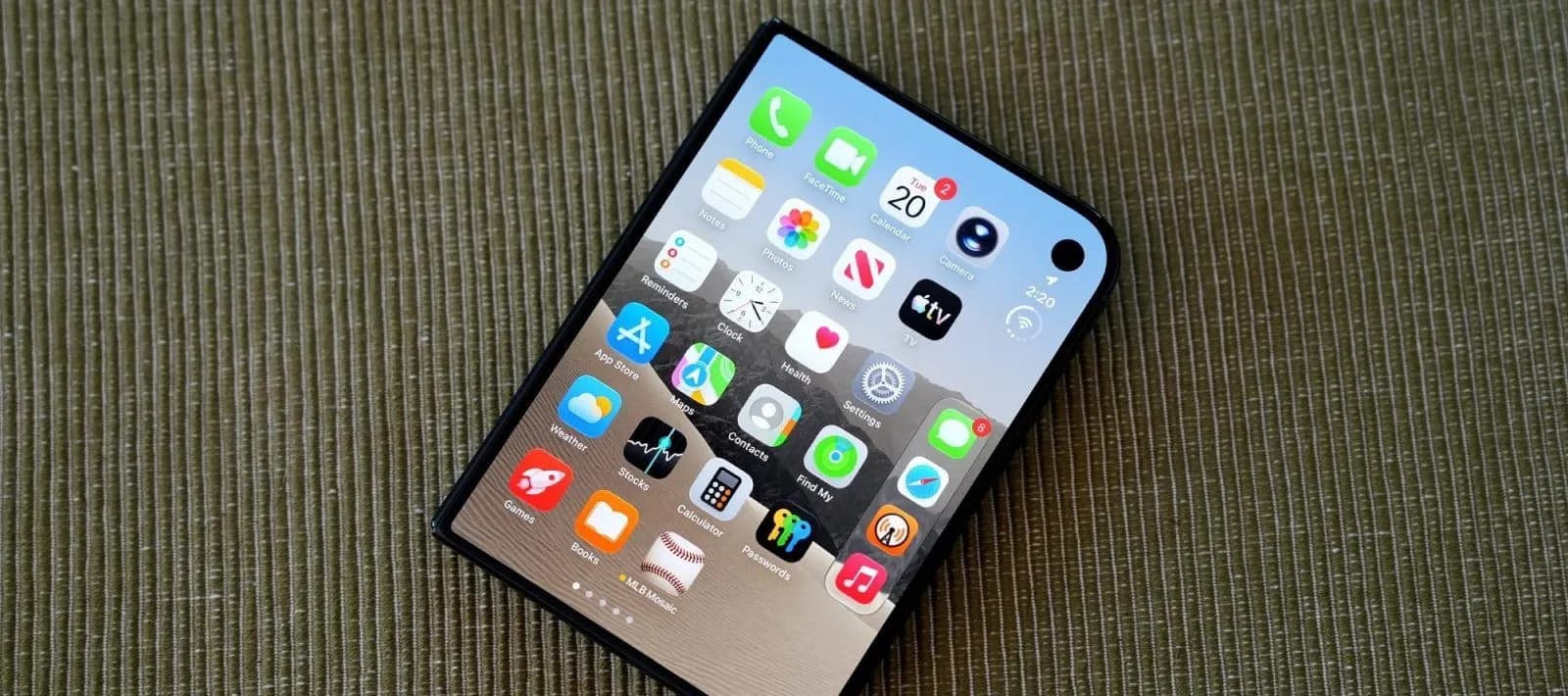
Apple's iOS 27.3 beta brings two new features to the iPhone Duo. The more notable one is a face recognition option that unlocks the device when the front camera recognizes you. The second is a setting that automatically locks the iPhone Duo when you close it.
The face recognition method is not Face ID. The iPhone Duo lacks the hardware Face ID requires, so the new option relies on the front camera on the outer display. Apple acknowledges that it is not as secure as Face ID, Touch ID or a passcode, and has placed several limits on its use.
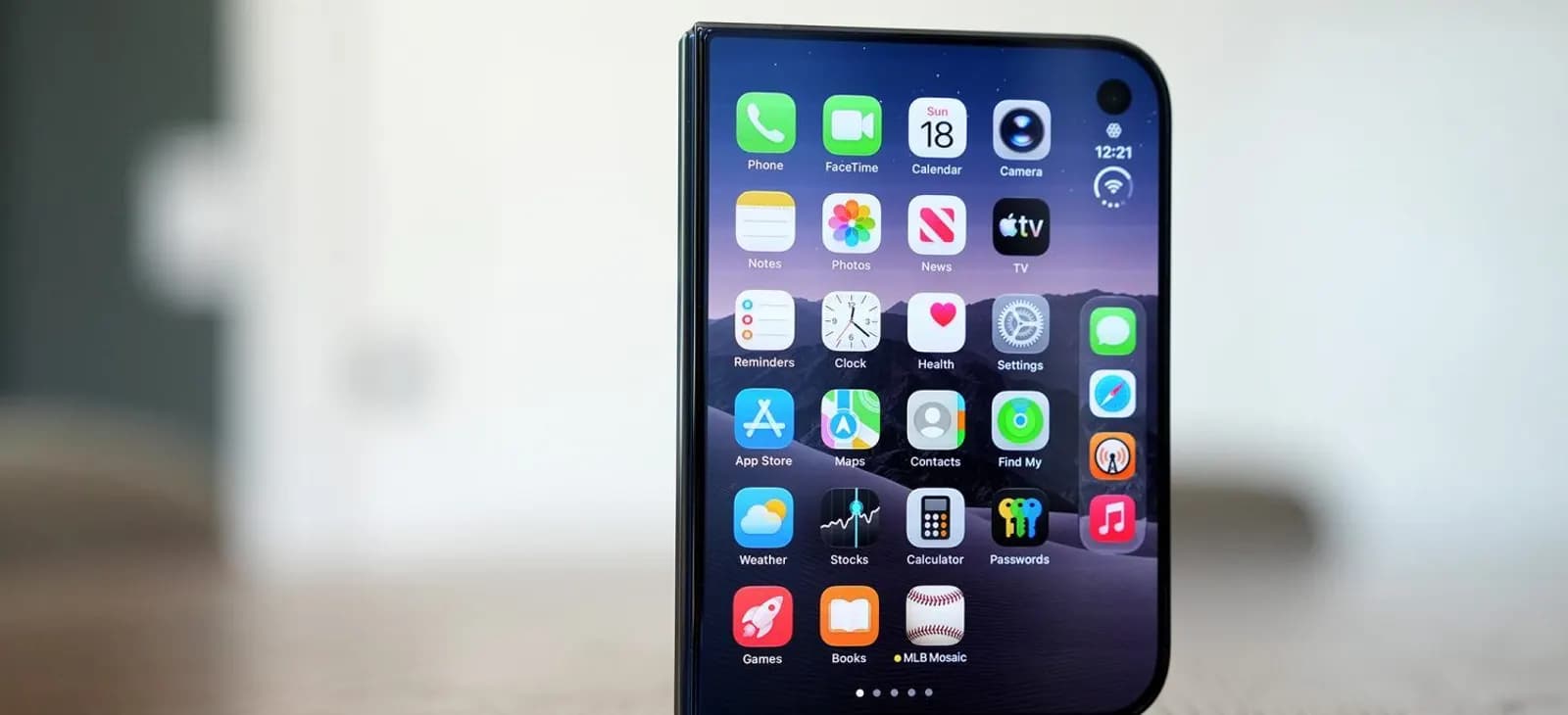
How front-camera unlock works
To turn the feature on, update to iOS 27.3 and open the Touch ID and Passcode section in Settings. Once enabled, the iPhone Duo unlocks when it recognizes your face. While the device is closed, the system uses the front camera together with a recent Touch ID or passcode verification. Apple says the face data never leaves the device.
Because the method is weaker than Face ID, Touch ID or a passcode, Apple has added safeguards. It only works to unlock the device. Using Apple Pay, accessing passwords, unlocking apps or performing other actions that require authentication still calls for Touch ID or a passcode, so sensitive operations remain tied to stronger verification.
A 45-minute window and a closed-only rule
Face unlock also has a time limit. If the device sits for 45 minutes without being unlocked, the feature switches off and stays off until you verify with Touch ID or your passcode. In other words, if you do not unlock the iPhone Duo for 45 minutes, face recognition remains disabled until you enter your passcode or use Touch ID.
A further restriction depends on the device's physical state. Face recognition does not work while the iPhone Duo is open; in that case you must use Touch ID or your passcode. Face unlock is therefore available only when the device is closed.
Lock when closed
The second addition is a new option under Display and Brightness in Settings. When enabled, folding the iPhone Duo shut locks the device directly instead of switching from the inner display to the outer one. The moment you close it, your screen content is behind the lock.
Many iPhone Duo users had asked Apple for this behavior. The writer behind the original report says he had been imitating it with a shortcut until now. With the new option, the need is met directly from system settings, with no workaround required.
Add as a preferred source on Google
Comments
No comments yet. Be the first to comment.